Database
Boldfield ComputingManual preservedProductivity
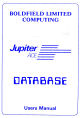
Database is still one of the clearest examples that the Ace was pitched as a serious personal computer and not merely a Forth curiosity. Even the preserved manual cover helps tell that story.
The cover image earns its place because the title itself immediately broadens the machine’s perceived scope beyond games and programming manuals.
Manuals page
Spreadsheet
Boldfield ComputingManual preservedProductivity
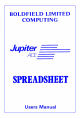
Spreadsheet is another quietly important title because it signals ambition. Even if visitors never load it, seeing it on the page helps the whole site feel less like a games-only memorial.
Like Database, this prototype currently uses the preserved manual cover while keeping space open for fuller imagery later.
Manuals page
Assembler / Dis-Assembler
Boldfield Computing1984Development
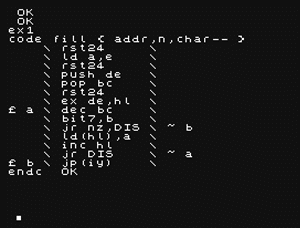
This is exactly the kind of utility that makes the Ace feel technically serious. It belongs naturally on the machine because the audience was always more programming-oriented than average.
Visually it is a strong page asset too: the assembler screen looks right at home in the dark terminal-led site treatment.
Archive page
WordAce
Boldfield UtilitiesMini word processorPrinting-focused
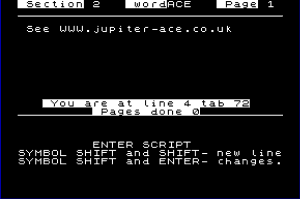
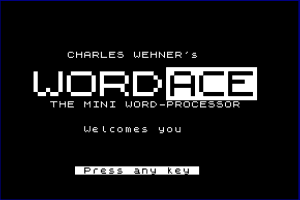
WordAce is one of the most charming app entries because it pushes the Ace toward “real word processing” in a way that still feels beautifully improvised and period-correct.
It is also visually helpful: the screenshots make it obvious that this was a genuine tool rather than just a title on a brochure.
WordAce page
Turtle Graphics Pack
Boldfield Computing1985Graphics / education
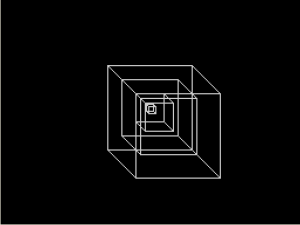
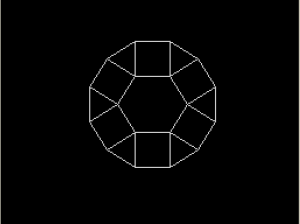
This is one of the best inclusions on the page because it shows the Ace’s educational and exploratory side. It also gives the eventual site something more visually striking than text screens and utility menus.
The screenshots add a welcome splash of geometric variety while still feeling unmistakably “Jupiter Ace”.
Turtle graphics page
Toolkit / Screen Kit
Remsoft1983Machine-code helpersScreen handling
Toolkit / Screen Kit deserves to stay on the page even without local screenshots yet. The preserved archive description makes it a near-perfect “serious tinkerer” utility, covering memory scanning, poking, machine-code helpers and display routines.
I left this one text-led for the prototype because the surviving screenshots are stored as BMP files, which makes them a bit awkward for the current lightweight bundle.
Toolkit / Screen Kit page